
CORE COMMANDS
fur lock
Encrypt entire diary with password-protected AES-256-GCM encryption
fur unlock
Decrypt and restore conversations locally
High-Entropy Passwords
Diceware password generation with 77+ bits entropy
fur search
Search across conversations and attachments
CONVERSATION MANAGEMENT
Create a new conversation thread
Add short-form messages or notes
View chronological conversation history
Organize conversations with flexible tagging
ENCRYPTION GUARANTEES
AESUS CRYPTOGRAPHY
Fur uses AESus (AES + us) — a memory-hard encryption library built in Rust, combining Argon2id key derivation with AES-256-GCM authenticated encryption.
NON-DETERMINISTIC
Same plaintext produces different ciphertext each time. Random nonces and salts prevent pattern detection.
AUTHENTICATED ENCRYPTION
AES-256-GCM provides confidentiality and integrity.
EVERYTHING PROTECTED
Metadata, IDs, ordering, content, attachments — all encrypted together.
GIT COMPATIBLE
Encrypted conversations can be safely stored in public Git repos.

WORKFLOW EXAMPLE
$ fur new "GPT-5 Experiments"
$ fur chat gpt-5
$ fur jot "Derivations" --file derivations.md
$ fur tree
$ fur search "universal approximator"
$ git add -A && git commit -m "Add research notes"
$ git push origin main
$ fur printed
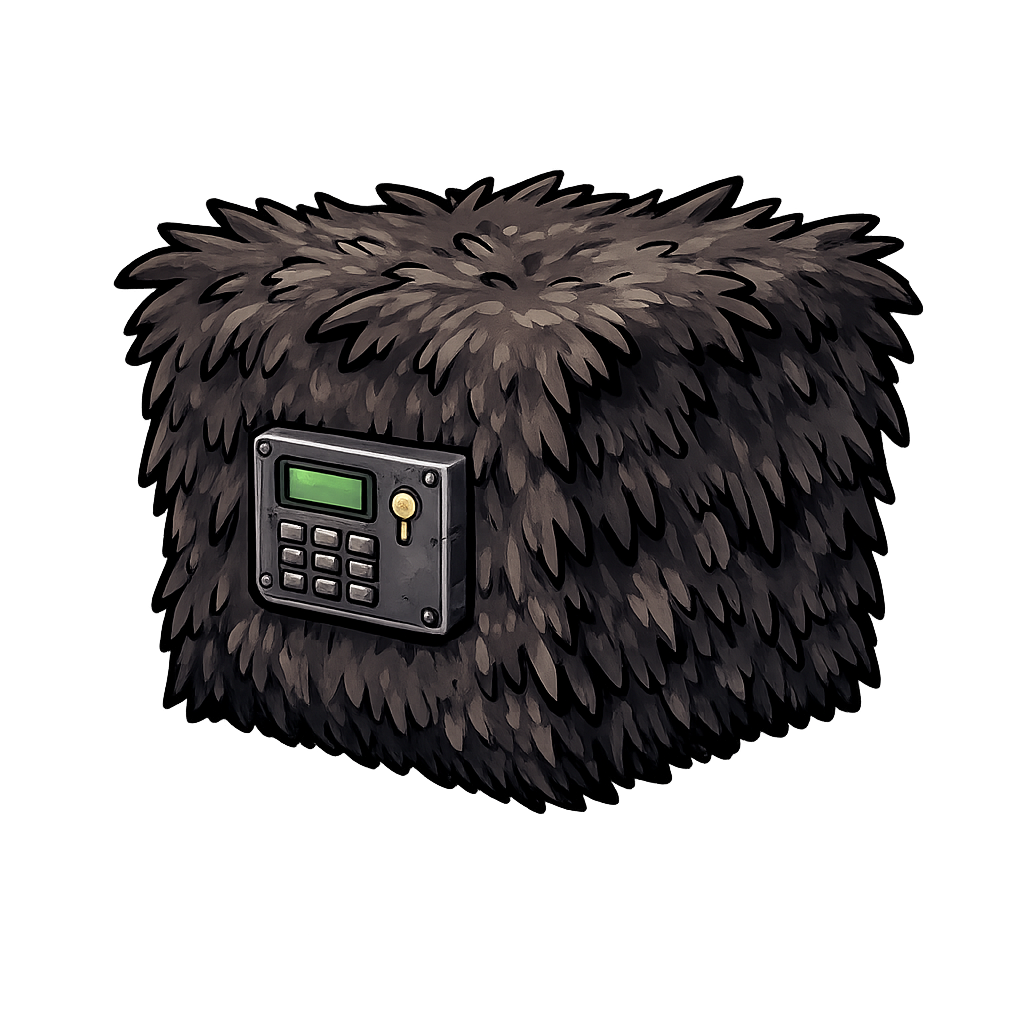
THE FUR SAFE
A companion project demonstrating encryption in action. The Fur Safe is a public Git repository with password-protected conversations stored as encrypted artifacts.
Key insight: Conversations remain completely private even when their encrypted artifacts live in a public repository. Perfect for version control, backup, and reproducible demonstrations.
EXPLORE THE SAFE
The Fur Safe demonstrates how encrypted conversations behave under Git version control without exposing any plaintext.
VIEW REPOSITORYRESOURCES
TECHNICAL BRIEF
Complete reference for all Fur commands, workflows, and encryption details.
READ BRIEFGITHUB REPOSITORY
Source code, issues, and community contributions. Built with Rust for performance and reliability.
VISIT GITHUBAI COPILOT SKILL
Load this SKILL.md into any AI assistant — Claude, ChatGPT, or others — to get expert fur-cli guidance without re-explaining the tool every time.
GET SKILL.MD